
Drawing & animation
A little life in every line.
Draw, wobble and animate. A free drawing studio for lively illustrations and frame-by-frame loops.
Jago Wobble · v1.8.0 · Included in JAGO Suite 2.8.0
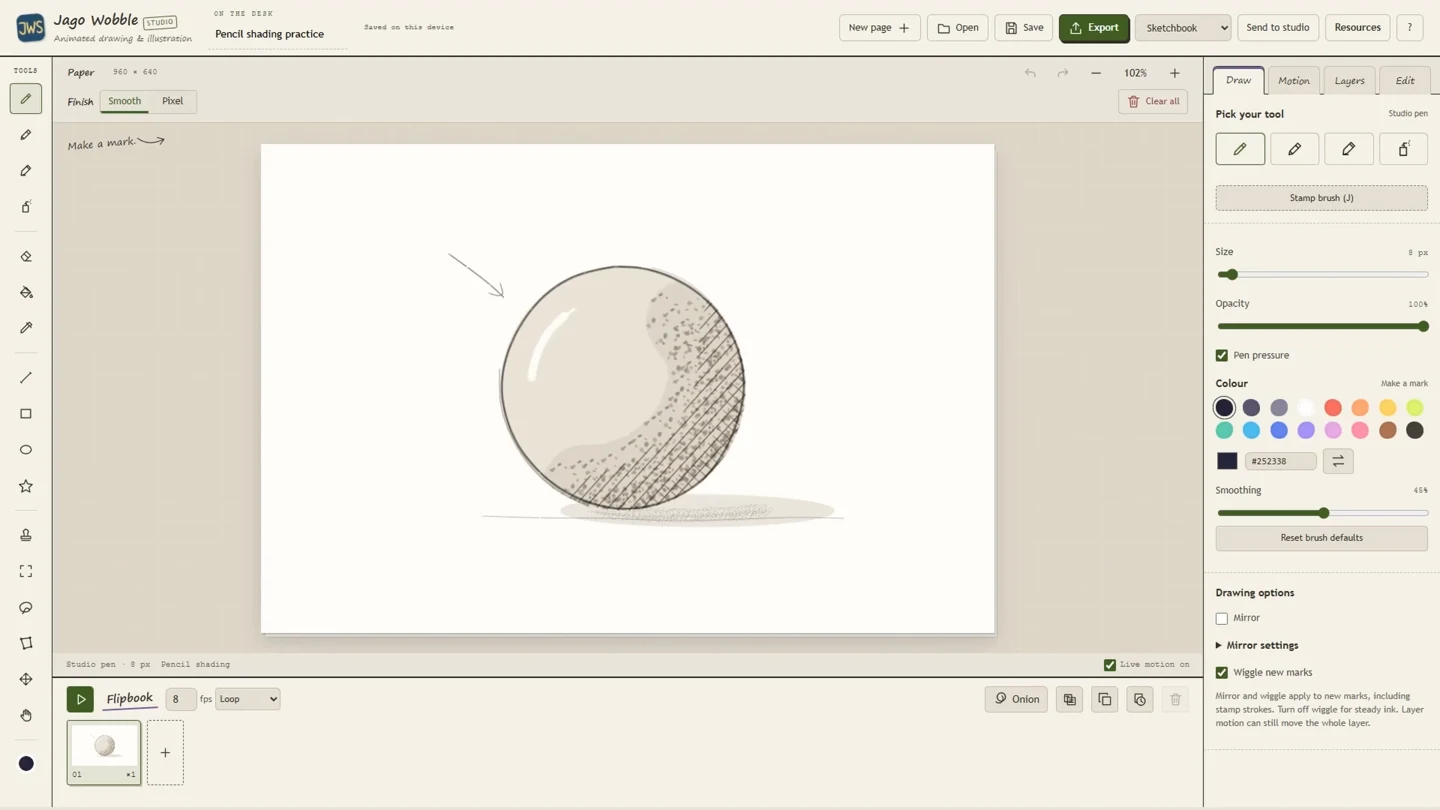
A look inside the studio
Draw something lovely, something wonky, or something that refuses to stay still. Jago Wobble is a drawing and animation studio for illustrations, little loops and artwork with a bit of life in it.
Start with a blank page, an imported picture or an editable example. Make your marks on layers, give them motion, or build an animation one drawing at a time. You can keep it as simple as a blinking face or get properly absorbed in a whole flipbook.
Make your marks
Drawing tools include pens, shapes and stamp brushes, with size, colour and opacity controls.
Make it move
Animate frame by frame with blank or duplicated frames and adjustable frame holds.
Get comfortable
Zoom around the pointer, pan with middle mouse, fit the page or inspect it at 1:1.
See what it can do
The tools, in their element.
A few favourite possibilities, with real studio artwork and working interface views. Open the detailed sections below to explore the individual controls.
Open the animation
01 / A LITTLE CLOSER
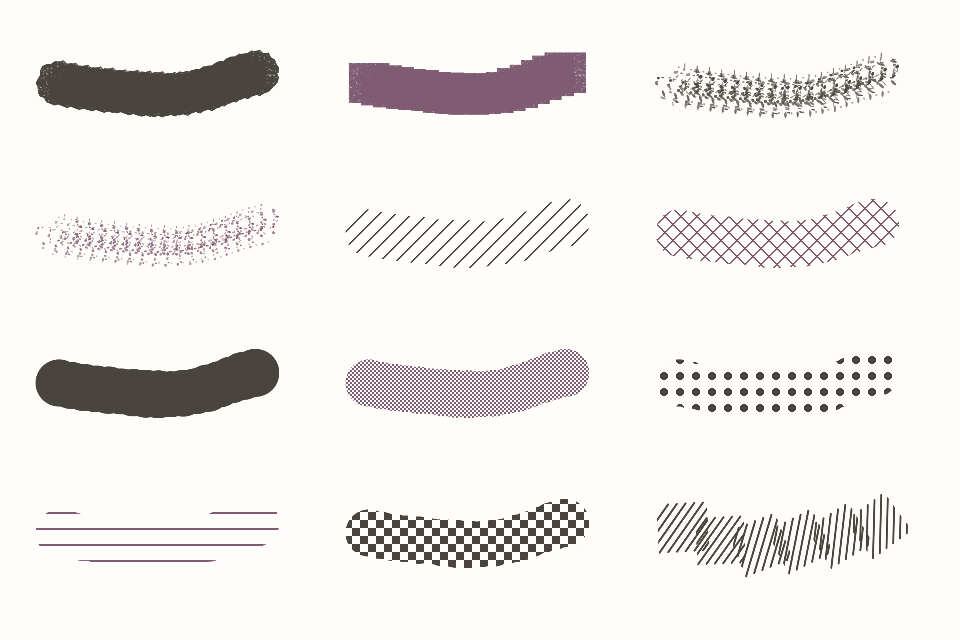
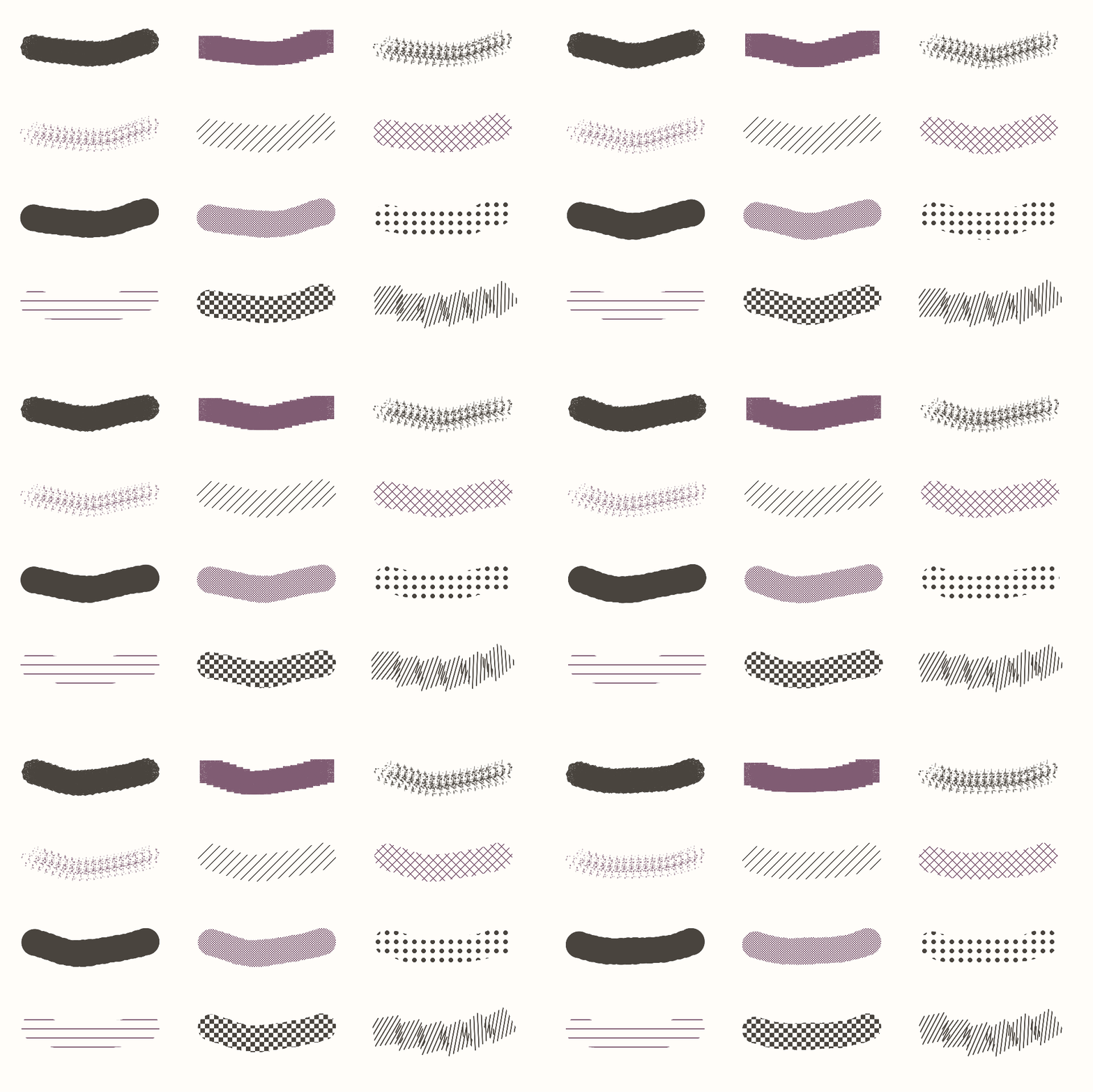
A brush can become your signature.
Try a textured stamp, build one from your drawing, or bring in a transparent PNG. Shape its spacing, scatter and colour until the marks feel like yours.
- Tint a stamp or keep its original colours.
- Place a single mark or draw a repeating stroke.
- Explore smooth drawing or a native pixel canvas.

Open the animation
02 / A LITTLE CLOSER
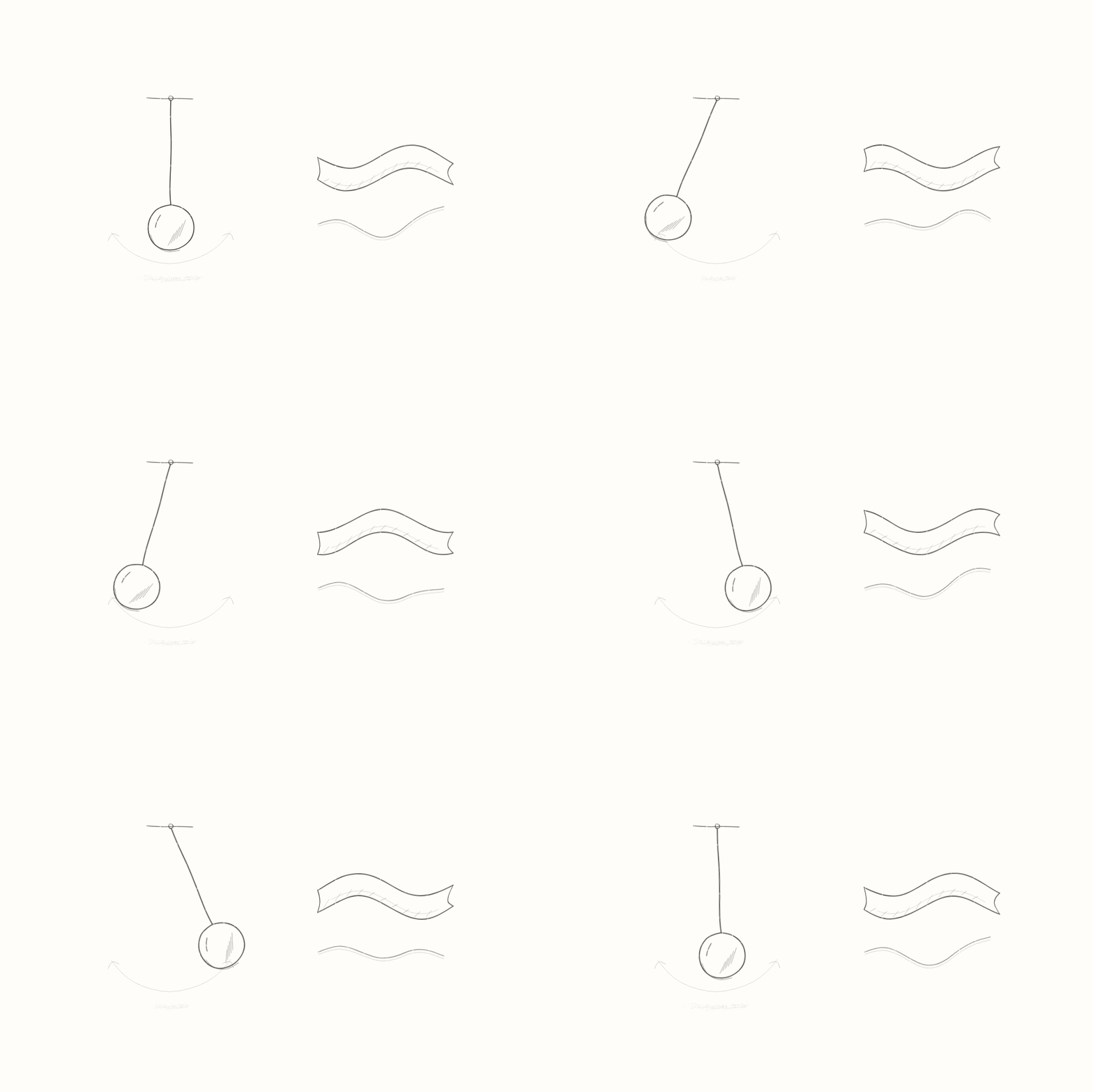
Give a still drawing a little life.
A line can sway, a shape can breathe, and a flag can flutter. Live motion gives individual strokes or whole layers their own character.
- Explore wobble, sway, ripple, flutter, spring and drift.
- Adjust movement and relevant pivot points.
- Keep your drawing editable while exploring motion.
Open the animation

03 / A LITTLE CLOSER
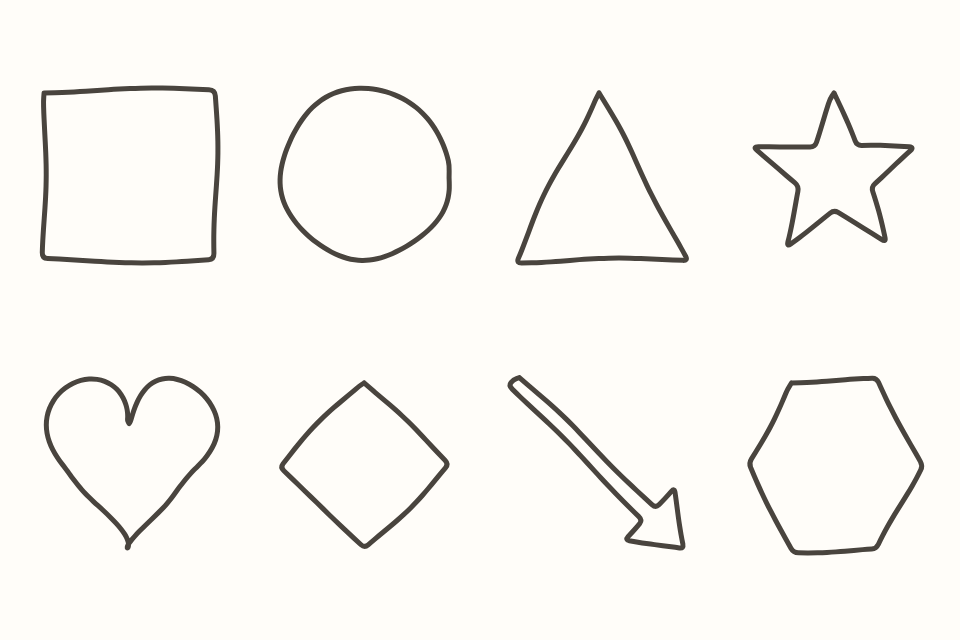
Build a drawing, piece by piece.
Combine shapes, freehand marks and separate layers. Smooth drawing and pixel artwork each have room to play, with useful ways to organise and refine the picture.
- Use shapes, fills and selections alongside your brushes.
- Organise artwork on editable layers with alpha lock and clipping.
- Keep the editable project, then export artwork or animation.
Explore the studio
The details that make it yours.
Make your marks
- Drawing tools include pens, shapes and stamp brushes, with size, colour and opacity controls.
- Keep artwork on layers, use clipping where useful, and move, resize or rotate selections.
- Choose smooth drawing or a native pixel canvas. A pixel finish also lets you explore a pixel treatment of smooth artwork.
- Optional pixel-perfect thin strokes remove doubled corners; thin erasing follows the same geometry.
- Undo and redo let you explore without committing to the first idea.
Make it move
- Animate frame by frame with blank or duplicated frames and adjustable frame holds.
- Named animation sections let you keep a walk, blink or other little sequence inside a larger flipbook.
- Choose forward, reverse or ping-pong playback for the selected section.
- Onion skin shows neighbouring drawings, with opacity, fading, active-layer and loop-wrap controls. Guides stay out of exports.
- Motion tools let you animate marks or layers without drawing every change by hand.
- Attach project audio for a combined preview while keeping the original sound file available.
Get comfortable
- Zoom around the pointer, pan with middle mouse, fit the page or inspect it at 1:1.
- Use editable examples, shared appearances and the in-app help when you want a starting point.
- Sprite delivery offers transparent padding, native integer enlargement and an optional export palette.
Take the drawing further
- Send a rendered still or loop to Dither for inks and print effects, Repeat for patterns, or another Jago studio.
- Transfers can carry the original project too. Keep that original when you want to return to editable drawings.
Save the project. Share the result.
- Editable .jago projects
- PNG stills
- Animated GIF
- PNG frame sequences with timing information
- Sprite sheets with JSON frame positions, playback order and holds
Useful for
Animated illustrations and doodles · Social loops and stickers · Frame-by-frame studies · Pixel sprites · Hand-drawn motifs for patterns · Drawing over artwork from another studio
A few useful things to know.
- GIF uses a limited palette and hard transparency; PNG preserves soft transparency.
- Visual exports are silent. Attached audio is for project preview; combine the exported sound and visuals in your video editor.
- Thin-stroke pixel correction is optional; it does not change every brush or shape into a pixel-perfect tool.
Getting started
- Download Jago-Wobble-v1.8.0.zip, right-click it and choose Extract All.
- Open Jago-Wobble.exe for the Windows app, or Jago-Wobble.html in a modern browser for the offline browser edition. No installer needed!
- The Windows app requires 64-bit Windows and Microsoft Edge WebView2 Runtime. If it won’t open, try the HTML version instead.
- Keep supporting folders beside the application. Open the extracted files rather than running from inside the ZIP.
- To use this release in Workscape, open Home → Manage studios → Choose release and select its executable. Existing tabs keep their running version until closed.
Current Windows binaries are unsigned. Check where your download came from and follow your device’s security guidance.
Get Jago Wobble
Windows: 64-bit Windows with Microsoft Edge WebView2 Runtime. Offline browser edition included; native integrations vary by edition.
Release v1.8.0 · Jago-Wobble-v1.8.0.zip